
SETTING SAIL

Kick-off, the season finale, Friday movie night – all on one beautiful screen, driven by the remote you already hold. Live TV with a full guide, movies, series and recordings, on Android TV, Google TV, Fire TV and phones.
20:00A demo of the app's screens. Channel and film names here are made up – the app plays your own playlist.
Friends on the sofa, drinks poured, and the game is on in two presses. Type the channel number and you're there – no scrolling while the whistle blows.
Films and series laid out like a cinema lobby. Stopped halfway? Continue watching picks up right where you left off.
A profile for everyone, a kids mode for the little ones and a PIN on what they shouldn't see. You relax; the app keeps watch.
Living far from home? The whole app speaks 12 languages – English, ไทย, 中文, Español, Русский and more – from the very first start.
An example – channel and show names are made up.
Line up the day once – from the TV guide, one press per show – and Captain's Player runs it for you.
On your TV box, Google TV or Fire TV, open the Downloader app and enter the code below – or go to captainsplayer.com/app.
Scan the code on your TV with your phone and add the playlist from your provider. No typing with the remote.
Your channels, movies and series appear within seconds. The first 7 days are on us.
Open Downloader on the TV, type the code, press Go. On a phone, just tap Download the app.
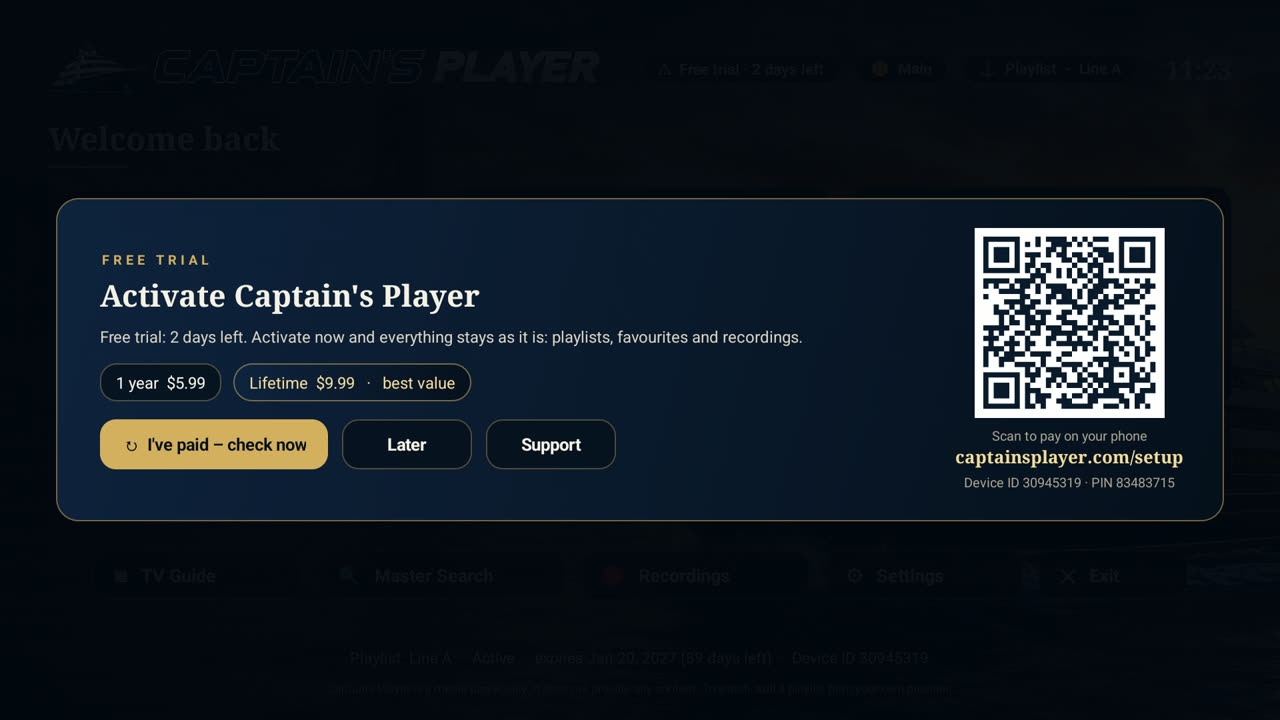
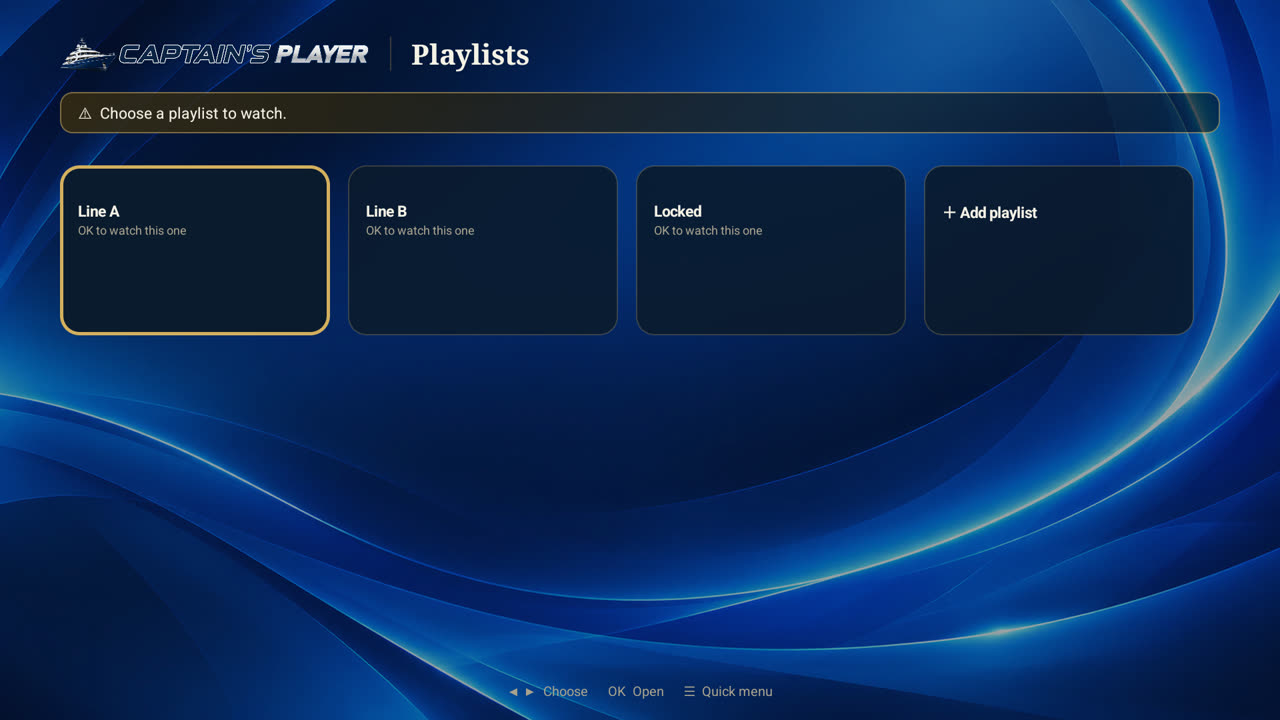
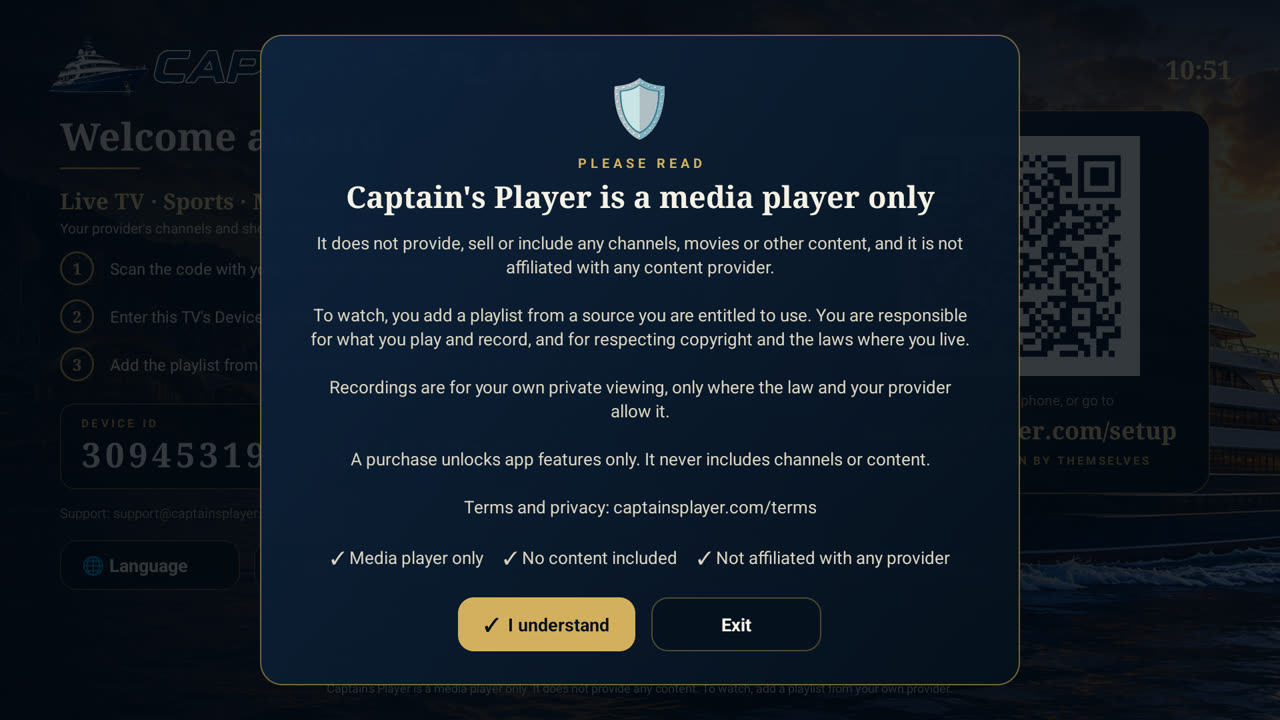
Navy and gold, big clear type, and every page built for the arrow keys. At home on a 4K TV – and still quick on the smallest box.
Prices in US dollars, paid once by card. See all products, delivery and refunds. A licence unlocks app features only – it never includes channels or content.
No. Captain's Player is a media player only – like a DVD player without the discs. You add a playlist from a provider you are entitled to use, and the app plays it beautifully.
Android TV boxes, Google TV, Fire TV and Android phones. On a TV, install it with the Downloader app and code 3929987.
The app asks you to activate. Scan the code on the screen, pay on your phone, and the TV unlocks by itself within a minute. Your playlists, favourites and settings are all still there.
No. The 1-year licence is paid once and does not renew by itself. Lifetime is paid once and is yours for good.
One licence covers one TV or box. Each TV gets its own free trial too.
Yes – the TV Scheduler switches to the channel you chose at the time you set, once or every week. Pick a game in the TV guide and the channel and times fill in by themselves. You can also set a reminder that pops up a minute before a show starts.
Yes – record what's on now, or schedule a recording to the exact minute, to a USB stick, an SD card or the box itself.
Yes – see the Resellers page. You buy activation points in packs and set your own price.
Email support@captainsplayer.com, or go to Settings → Support on the TV: your message reaches us with a screenshot, so we can see the problem.
Install in a minute. Seven days free. No card, no subscription.